
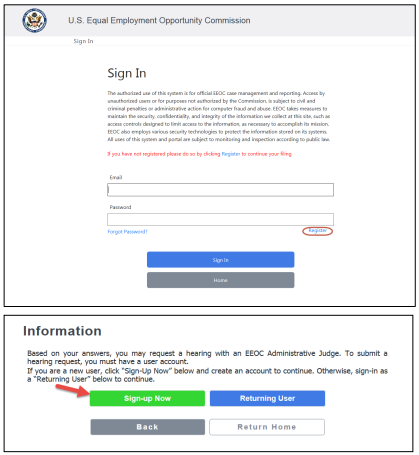
 Step 2. On the Create Account page, enter the required information, including a password.
➢ Tip! Enter a zip code to automatically populate the city and state fields.
➢ Tip! Your password must be at least 8-characters and contain at least one uppercase, lowercase, and numeric character.
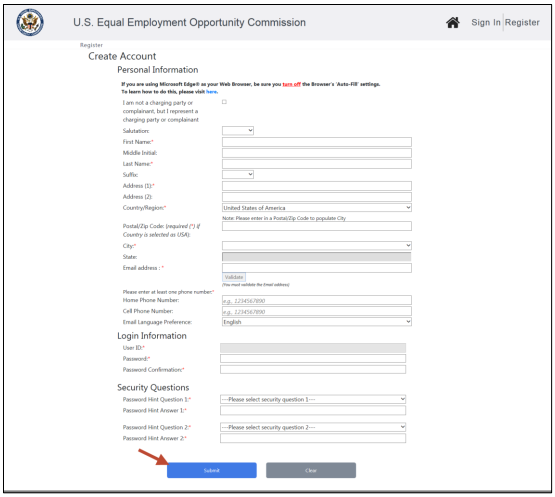 Step 3. Select the Validate button to verify your email address. A verification code will be sent to the email address you provided. Enter the code when prompted and select the Submit button. When the pop-up appears indicating the validation was successful, select the OK button.
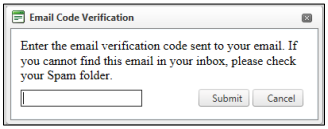
➢ Tip! Can’t find the email with the verification code? Check your spam folder.
Step 4. When you are finished entering the information, select the Submit button to create your account.


