
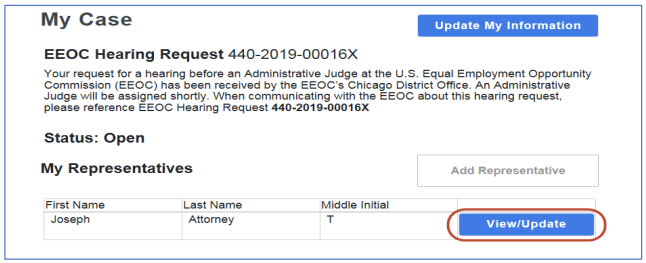
 Step 2. When the Representative Information page displays, make any necessary changes and select the Save button.
Step 3. If you need to delete a representative, select the Delete button. When the confirmation prompt displays, select the Yes button to delete.
Step 4. Select the Back button to return to the My Case page.


