
The My Cases Listing is sorted by submission date, with newest cases listed first. If you have a large number of cases, use the page navigation buttons (<< < > >>) to move between pages. Select the case you wish to view by selecting the Case Number; this will display the My Charge page.
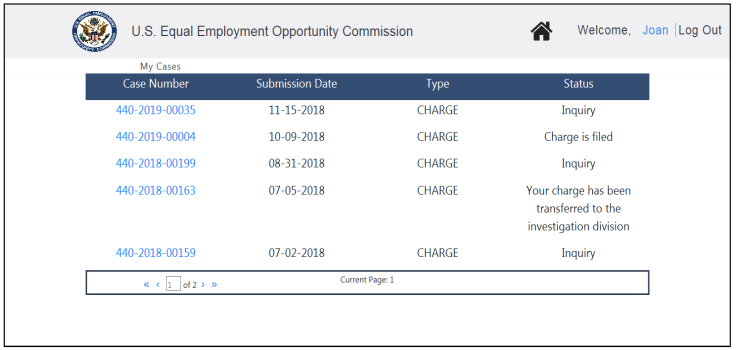
• For charges, the status displayed is consistent with the status shown in the Portal’s online charge status page.


